7 Free Autoresponders - Which One to Choose? (Advantages and Disadvantages)
Looking for the best free autoresponder to start sending emails automatically?
The good news is, there are a lot of ways to get started without paying . You don't need to delay building and growing your mailing list until your site starts making money.
In this article, we'll walk you through the 7 best free autoresponders , comparing their pros and cons.
Why do you need an email autoresponder?
Autoresponders allow you to send emails automatically to people on your mailing list. Marketers use autoresponders to create an email campaign that will be sent to a recipient registered on your email list.
For example, if you collect emails on a landing page, you can set up an autoresponder to send a newsletter to your prospects with the aim of converting them later into a future customer.
Many bloggers use autoresponders to welcome new subscribers. Online stores also use them to inform users about promotions or to build customer loyalty. Most of the major email marketing companies offer email autoresponders. However, if you are just starting out, paying for email marketing will increase your website development costs.
With that said, let's go over the top 7 free autoresponders that can help you get started in an online business.
In this article, we will see a selection of 7 free autoresponders to make your email campaigns successful.
1. Constant Contact email autoresponder

Constant Contact is a very useful email autoresponder tool. This is one of our selection for creating automatic email sequences.
The advantages of the constant Contact autoresponder
- A 60-day free trial. This gives you two months to build a contact list and start making money from your blog.
- Free trial does not require a credit card
- Creating your account is quick and easy. You just need to click on a few options and Constant Contact shows you how to do your first email campaign.
- If you already have a website, Constant Contact can help you configure your emails.
- You can also choose from hundreds of other designs and templates.
- The drag and drop interface is very easy to use. It is especially useful if you are new to email marketing.
- Constant Contact technical support is easy to reach via chat, phone and email.
They also have a library of resources and online training. If you are in the United States, you can even enjoy their seminars live.
Disadvantages
- There is no free plan (only 2 months of trials). After the 60-day free trial, you will need to pay if you want to continue using your mailing list.
- To use the advanced marketing automation features after your free trial, you will need to pay for the Email Plus plan .
Prices
Constant Contact's “Email” plan starts at $ 20 / month and comes with basic automation features. For advanced automation features, you will need the “Email Plus” plan which costs from $ 45 / month.
You can also read full constant contact review.
2. Sendinblue autoresponder notice
Sendinblue is a Saas marketing solution that combines both email and SMS marketing. It is one of the fastest growing email autoresponder platforms in Europe.
Benefits of using Sendinblue
- You can store as many email contacts as you want on the free plan. You are just limited by the number of emails you can send each day.
- The majority of Sendinblue's tools are available on their free plan. These include automation tools.
You have access to email support on the free plan, so you can contact the support team if you have any issues. - You can use Sendinblue to send SMS messages as well as emails.
- The Marketing Automation Tool, which lets you create automation sequences, has an easy drag-and-drop interface.
- There is a wide range of different templates, or you can drag and drop items to create your own template. You can also download an HTML template if you have already created one separately.
- It is a French company (your data remains in France)
Disadvantages
- Emails on the free plan (and on the "lite" plan) bear the Sendinblue brand. You cannot delete it.
- The limit of 300 emails per day might seem like a lot when you're just starting out, but it wears off pretty quickly, so don't let the free plan forever be the sole deciding factor.
Sendinblue pricing
Sendinblue's free plan is completely free. If you want more features, you can upgrade to a paid plan. The cheapest plan, Lite, is $ 25 / month.
The price of these plans is based on the number of emails you send each month, not the size of your list.
3. MailerLite autoresponder notice
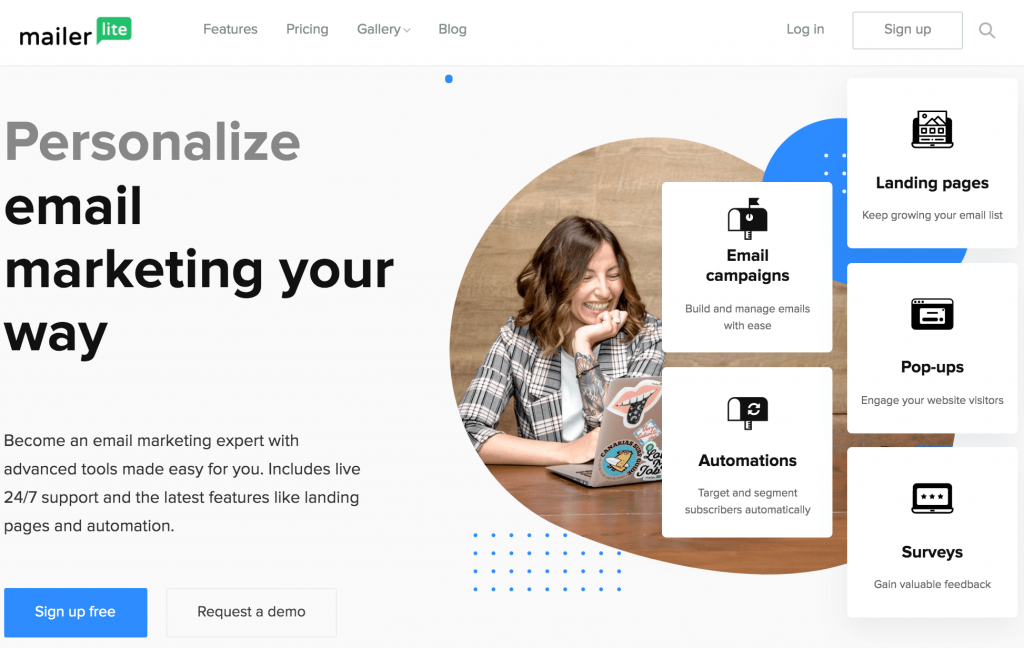
MailerLite has become a very popular autoresponder tool over the past few years. They have a generous, free plan and a lot of cool features.
Benefits of using MailerLite
- You can use automations and advanced segmentation on the free plan, without needing to upgrade.
- Many other features are available on the free plan, such as landing pages, multi-user accounts, and email A / B split testing.
- The free plan doesn't limit you to a set number of emails per day. Instead, there is a monthly limit of 12,000 emails.
- Even the cheapest paid plan gives you access to all the features of “Premium plans”. These include A / B testing of landing pages, automatic redirection, and time zone delivery.
- You can use a drag and drop editor to create your emails. You can add and remove blocks easily, change fonts and styles, and more.
The inconvenients
- There is no email template available on the free plan. However, when you use the drag and drop builder, it has a simple default template with space for a logo, header, image, etc.
- If your contact list exceeds 1,000 people, you will need to upgrade to a paid plan of $ 15 or more.
- If your list exceeds 1,000 people, you'll need to upgrade to a paid plan of $ 15 or more. Your emails will carry the MailerLite logo. You cannot delete it while you are on the free plan.
MailerLite prices
MailerLite has a free plan that you can use for as long as you want. The cheapest paid subscription is $ 10 per month, but if you want more than 1,000 subscribers on your list, you will need to pay $ 15 per month or more.
All paid plans have the same features, so you just pay as you increase your subscribers.
4. AWeber Notice
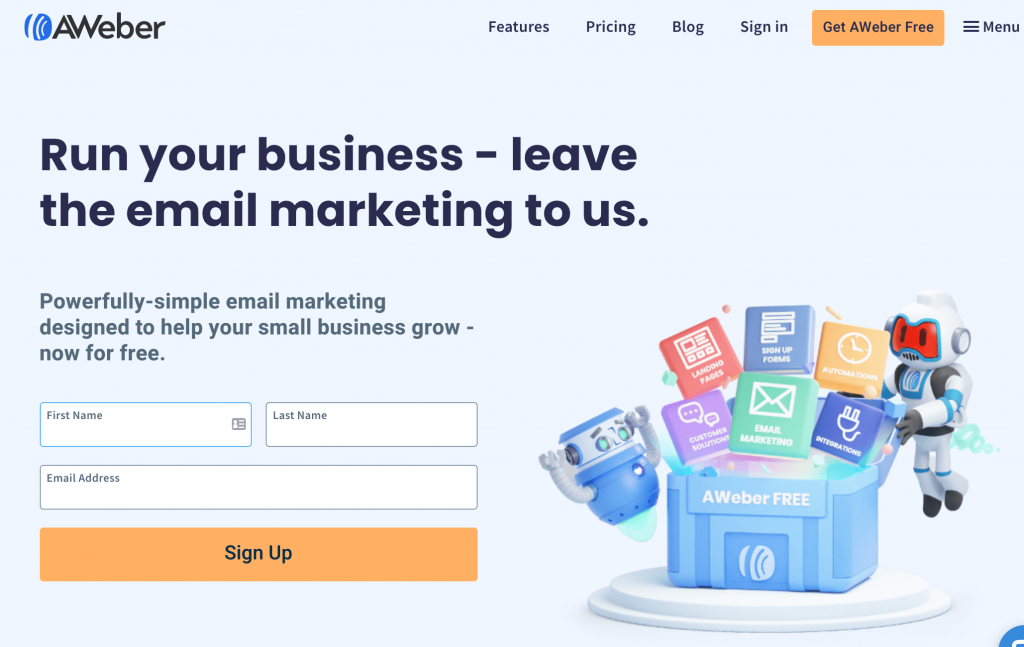
AWeber offers a free trial, which gives you full access to all of its features. This is a very popular email marketing software with an autoresponder, ideal for managing transactional emails.
Benefits
- AWeber has been around for a long time. It was founded in 1998 and is today one of the most popular self-response tools.
- Free trial includes all the features you would get on a paid plan
- AWeber has powerful automation and segmentation tools. You can use it to create very detailed automatic response sets.
- AWeber can be integrated with a number of other services, including OptinMonster, Unbounce, PayPal and many more.
- All media, including master class sessions and live webinars, are available even when you are on the free plan.
- AWeber regularly offers new features, which all customers have access to. This includes people who benefit from the free plan.
Disadvantages
- The free trial is only 30 days. It doesn't give you a lot of time to start making money from your email list.
- AWeber is definitely not the cheapest option. It has more features than some other email autoresponders, but these come at a price.
Price
AWeber's cheapest plan is $ 19 per month and only allows you to have a maximum of 500 subscribers.
Beyond that, you will pay $ 29 per month. If you want over 2,500 subscribers, you'll be on the $ 49 / month plan.
5. Mailchimp Notice
Mailchimp is a very popular email marketing service that offers tons of features to automate your emails and a free plan.
Benefits
- The free plan allows you to use segmentation and simple autoresponders. It can be very useful if you just want to use a little automation.
Mailchimp integrates with over 300 apps, including Canva, SeedProd's Pro maintenance mode, Help Scout, and more. - Drag and drop templates are easy to set up and modify.
Mailchimp becomes an all-in-one solution with an integrated CRM tool. If that's what you're looking for, Mailchimp might be a good option for you.
Disadvantages
- The free plan only includes email support for the first 30 days. After that, you will only have the knowledge base documents to help you.
- If you take advantage of the free plan, your emails will be branded MailChimp.
You cannot create multi-step auto-response sequences on the “Free” or “Essential” plans. - MailChimp's support, price, and features are definitely not the best out there. We no longer recommend them to our readers and instead suggest these MailChimp alternatives.
- MailChimp's automation tools are not as powerful as those of their competition. This is a particular problem if you are primarily interested in using them as an autoresponder.
Prices
MailChimp has several different pricing systems which can be a bit confusing. You can either opt for a monthly plan (starting at $ 9.99 / month for the “Essentials” plan) or use the “pay as you go” pricing (starting at $ 150 for 5,000 emails).
Note : MailChimp's prices are based on your "contacts". These include people who have unsubscribed and those who have not confirmed their email addresses, as well as your actual subscribers.
6. ConvertKit review
ConvertKit recently launched a free plan, which allows you to build an unlimited number of homepages and membership forms. It's a good way to start building your mailing list.
You can also take a 14-day free trial of ConvertKit.
Benefits
- If you are using an optin incentive, ConvertKit has a great delivery mechanism for these. It is particularly well suited to professional bloggers.
- ConvertKit offers many possibilities to segment your customers. You can also assign labels to customers.
- There is a landing page builder that you can use to create attractive landing pages. You can choose from 30 models and customize the design.
- Creating your free account is very quick. It only takes a few seconds and you can start building your landing page right away.
Disadvantages
- You'll have to invite a friend if you want to unlock most of the free plan's features, including the ability to send emails!
You cannot use the free plan's automation feature. You will need to upgrade to a paid subscription if you want to use it. You can, however, try it out during the 14-day free trial.
Prices
ConvertKit has a limited free plan. Then the cheapest plan is $ 29 / month, which allows you to cover up to 1,000 subscribers. The next level is $ 49 / month for up to 3,000 subscribers.
7. GetResponse: why is it the best on the market?
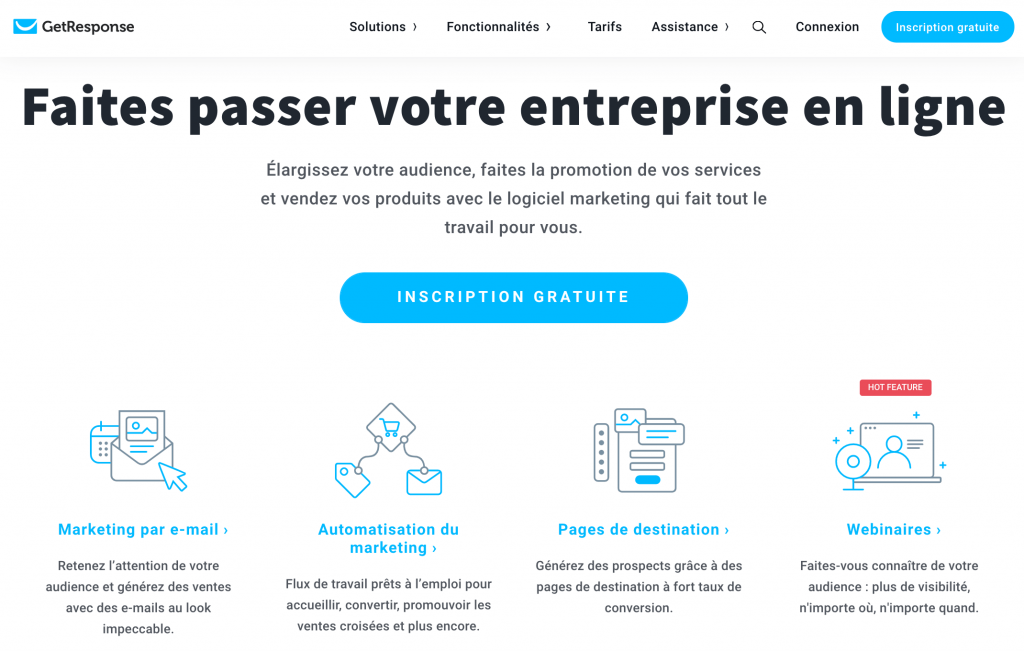
GetResponse is an easy-to-use free email marketing autoresponder for small businesses (TPE). It doesn't have a free plan, but you can try it for free for 30 days.
Benefits of using Getresponse as an autoresponder
- You can try any of their paid plans for free for 30 days, including the professional plan which lets you run free webinars. You don't need to enter your credit card details.
- GetResponse can be integrated with OptinMonster, PayPal, Shopify, ClickBank, and many other tools.
- Support is available by phone, live chat and email. There is also a comprehensive help section.
- Easy management of scenario automation for your marketing strategy
- Spam indicator
- Easy-to-learn sending tool
- Good email deliverability
Disadvantages
- There is no free plan, just a 30 day free trial. It doesn't give you a lot of time to build your mailing list.
- For some of the more advanced automation features, you'll need to upgrade to the Plus plan. This formula also allows you to host webinars, but if you don't want them, you might end up feeling like it's quite expensive.
Getresponse pricing
Different plans offer different features. For example, from the Plus plan, you get webinars and an automation builder. The cheapest plan, Basic, is € 13 per month for a list of 1,000 subscribers.


